
Paid Media
LinkedIn Lead Forms vs Landing Pages for Senior B2B Buyers.
- Written by
- Parag Masteh, Founder, Mplan
- Published
- Updated
Use LinkedIn lead forms when the offer is simple enough to complete in-feed and your follow-up is fast. Use landing pages when the argument needs space, proof, or qualification that a short form cannot hold. Senior buyers punish both dead-end forms and lazy pages.
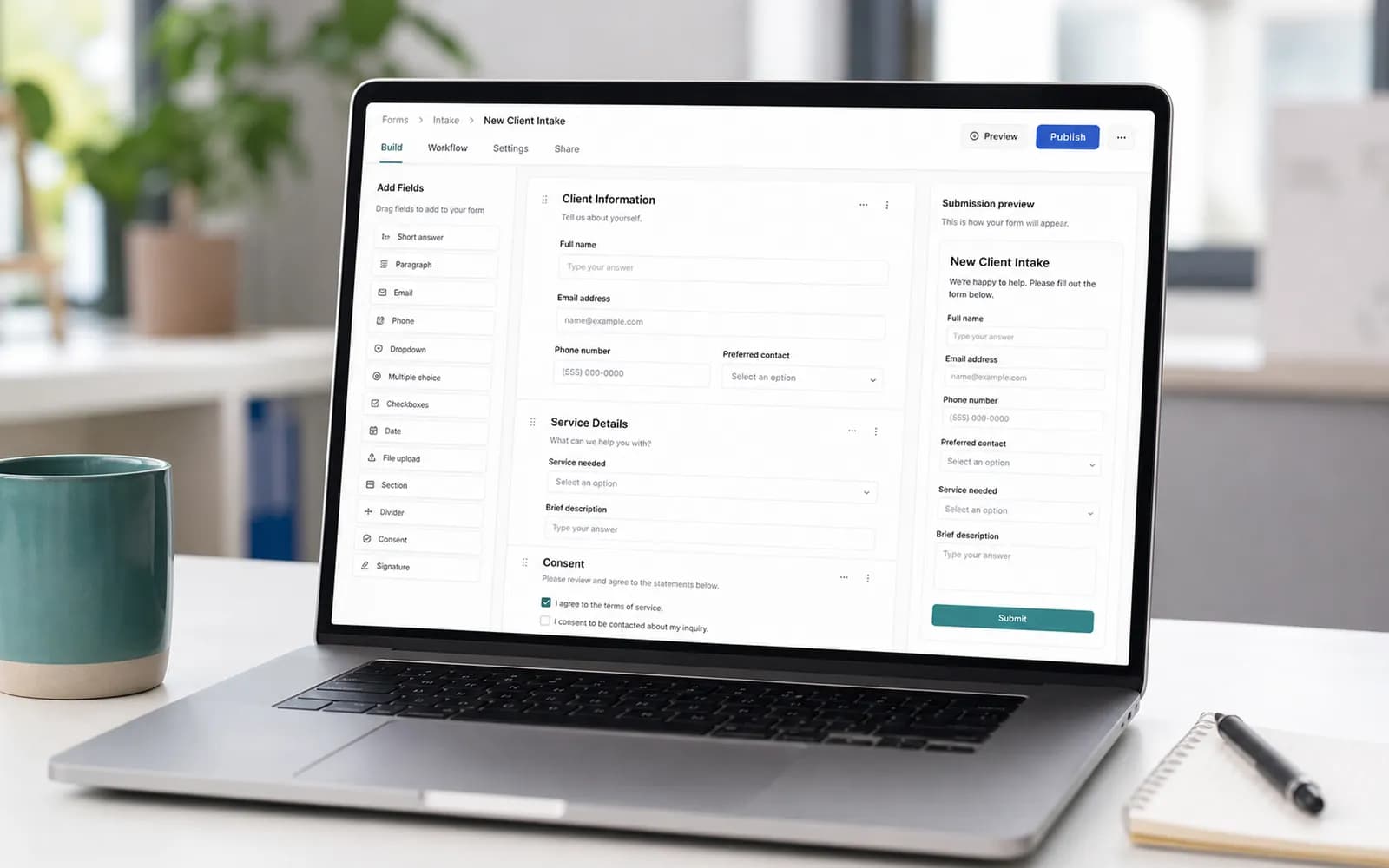
The platform will often nudge you toward forms because completion rates look better. Completion is not the business goal. Choose the path that protects message quality and sales time.
When lead forms are the right tool
- The offer is a clear next step (event, assessment, tight content) with low explanation load.
- Questions can qualify without a full page.
- A named owner can respond while the request is still relevant.
- You are willing to cap volume to protect quality.
When landing pages are the right tool
- The product needs a coherent argument and proof.
- Multiple stakeholders will review the URL.
- You need richer qualification or calendar logic.
- Creative makes a claim the page must substantiate.
A form is a door. A landing page is a room. Senior buyers often need the room.
Hybrid patterns that work
Some programs use forms for warm retargeting and pages for cold create campaigns. Some use pages for high ACV offers and forms for events. Split reporting. Do not force one path to do every job.
Quality checks for either path
- Does the first line continue the ad?
- Would sales accept this person under the written definition?
- Is mobile completion sane for a senior on a phone between meetings?
- Do the claims match what legal and your proof permissions allow?
Platform and market limits
Platform form features change, and so does buyer behavior. Revisit the decision when the offer, the audience, the follow-up path, or the available controls shift.
Make the choice offer-specific
- Use an in-feed form for a narrow request the buyer already understands.
- Use a landing page when proof, comparison, or qualification changes the decision.
- Use a hybrid path when the form begins the request but the confirmation page must educate or schedule.
- Reject both options when the follow-up owner and response path are missing.
Do not make one platform-wide rule. A webinar registration, technical assessment, and strategy conversation have different information needs.
Measure acceptance after the submission
Track form starts, completions, validation failures, confirmed receipt, sales acceptance, and the reason for rejection. Compare paths by useful continuation, not completion rate alone. Submission must still work when a visitor declines analytics consent.
Questions, answered
Do lead forms hurt brand perception?
They can if they feel like bait or spam follow-up. They can feel fine if the offer is clear and the outreach is respectful. Perception follows behavior after the submit.
Should we prefill LinkedIn fields?
Prefill increases completion and can reduce thought. Use when the offer is simple. For high-stakes offers, fewer prefilled fields and better questions can be worth the volume drop.
What about document ads?
Documents can educate. They still need a next step and a quality definition. A download without a path is content distribution, not a pipeline system.
How do we compare form vs page fairly?
Compare accepted conversations and opportunity creation, with CPL as context. Otherwise the easier path always wins on paper and loses in sales.